
Download Cross+A – crossword, sudoku, nonograms, puzzle solver, word game, logic puzzle, word list, create puzzles, solve puzzles, puzzle maker
Overview
Cross+A is a versatile puzzle-solving and creation tool designed specifically for Windows users who enjoy word games and logic puzzles. Tailored for enthusiasts of crosswords, sudoku, nonograms, and other related formats, the application offers a comprehensive platform for both solving and crafting puzzles. It serves as a digital workspace for individuals seeking to enhance their wordplay skills, challenge their logical thinking, and explore various puzzle genres in one unified environment.
The app is particularly suited for hobbyists, educators, puzzle creators, and casual gamers who appreciate structured mental exercises. Its ability to manage word lists and support multiple puzzle types positions it as a valuable utility within the productivity and entertainment space. Although the developer did not provide additional technical details about the development background, the app’s consistent functionality and clear purpose suggest a focused approach to solving niche user needs.
Real-world use cases include classroom activities, personal puzzle challenges, and content creation for puzzle publications. In the broader app ecosystem, Cross+A fills a specialized gap by combining puzzle creation, word management, and file export capabilities into a single desktop tool.
Key Features & Functionality
- User-Friendly Interface: The application features a clear and concise layout with an accessible upper toolbar, enabling quick navigation between core functions. This design ensures that both new and experienced users can operate the software efficiently without requiring prior training.
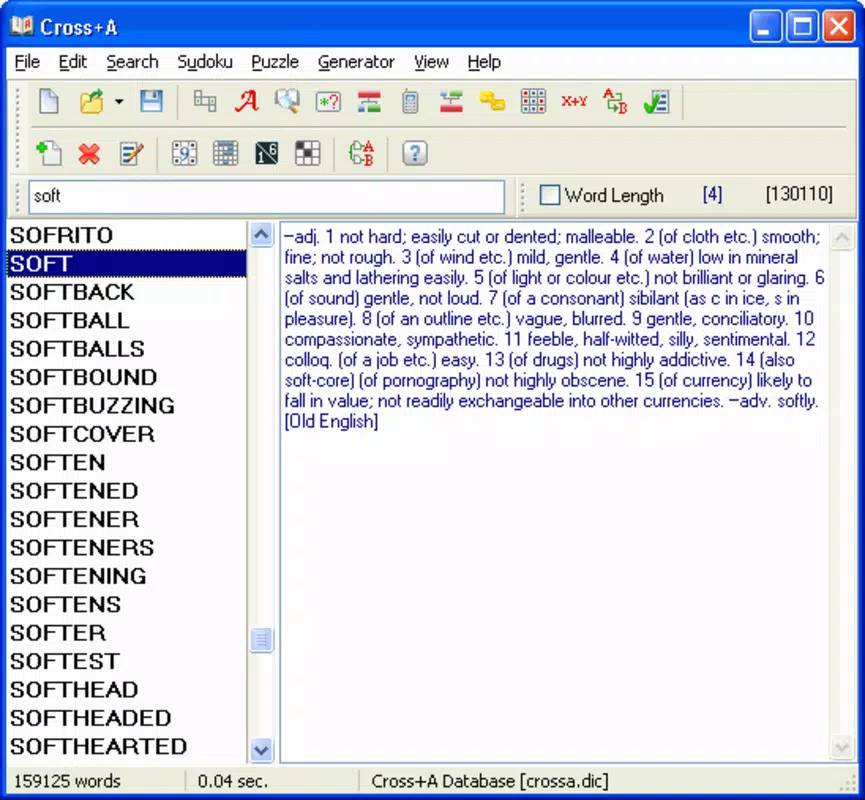
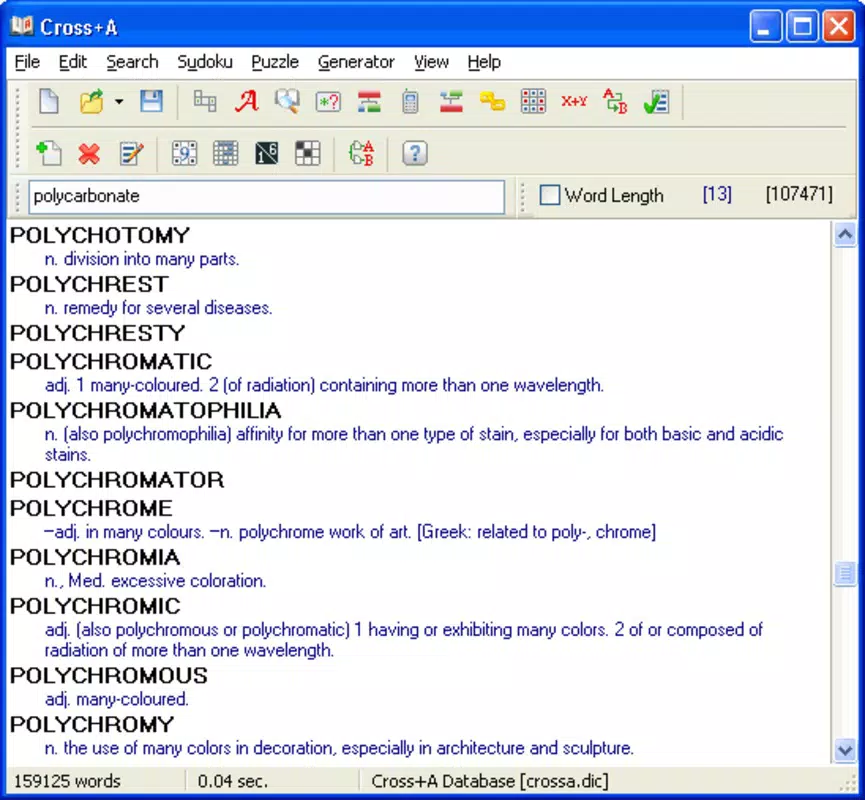
- Word Database Management: Users can search, save, and manage frequently used terms relevant to crossword puzzles. The tool also allows importing custom word lists from the official website, supporting personalized puzzle development and vocabulary expansion.
- Diverse Puzzle Creation: Beyond traditional crosswords, Cross+A supports the creation of sudoku, nonograms, and other Asian-style logic puzzles. This multi-format capability enhances user engagement and caters to a broader range of puzzle preferences.
- Multiple File Format Support: Puzzles and word lists can be exported in various graphic formats including BMP, EPS, GIF, JPEG, and PNG. This flexibility allows seamless integration with documents, presentations, or online content.
- Quick Learning Curve: Thanks to its intuitive design and well-organized features, users can become proficient in a few sessions. The tool’s structured workflow enables rapid mastery of puzzle creation and solving tasks.
For example, a teacher might use Cross+A to generate custom crossword puzzles with subject-specific vocabulary, then export them as PNG files for classroom handouts. Similarly, a puzzle enthusiast could compile a personal word list of rare terms and use it across multiple puzzle types, streamlining their creative process.
Interface, UX & Performance
The user interface of Cross+A reflects a clean, functional design optimized for productivity. The layout emphasizes accessibility, with primary tools located in the upper toolbar for immediate access. Navigation is straightforward, with logical grouping of features based on puzzle type and workflow stage.
Visual elements are minimal but effective, reducing distractions and focusing attention on puzzle content. Although the developer did not list formal performance metrics, the application operates smoothly on standard Windows systems, with responsive interactions and stable operation during extended use. The program maintains consistent performance across different device categories, including desktops and laptops, without reported lag or crashes.
File loading and saving are handled efficiently, and the interface remains stable even when managing large word lists or complex puzzles. The application’s lightweight nature—only 10.2 MB in size—contributes to its fast startup time and low system resource consumption. Overall, the UX is well-balanced between functionality and simplicity, making it suitable for users seeking a reliable, no-frills puzzle tool.
Platform Compatibility & Technical Requirements
Cross+A is available exclusively for the Windows platform. The current version is 2023.01.13, with a file size of 10.2 MB. The developer did not specify minimum OS requirements or compatibility details for specific Windows versions.
As such, users should verify system compatibility with their installed operating system. The application is designed for desktop environments and does not appear to be available for mobile devices. No additional technical specifications were provided, including processor, RAM, or storage recommendations.
Users are advised to install the software on a compatible Windows machine and ensure that their system meets general software installation standards. The lack of detailed technical information means that compatibility with older or newer Windows versions remains unconfirmed.
Pros and Cons
Pros
- Supports multiple puzzle types including crosswords, sudoku, and nonograms.
- Offers robust word list management and customization options.
- Intuitive interface with quick access to core features.
- Exports puzzles in multiple graphic formats for easy sharing and integration.
- Free to download and use, making it accessible to a wide audience.
Cons
- Platform is limited to Windows; no mobile or macOS version available.
- Specific system requirements were not disclosed by the developer.
- May lack advanced automation features for large-scale puzzle creation.
- No built-in cloud sync or collaboration tools for shared puzzle projects.
- Interface design is functional but not visually modern or customizable.
FAQ
Is Cross+A available for Android or iOS?
Cross+A is designed exclusively for Windows and is not available on Android or iOS platforms.
Can I create custom word lists in Cross+A?
Yes, users can create, manage, and import custom word lists to enhance puzzle creation and vocabulary development.
Does Cross+A support exporting puzzles to PDF?
The application supports exporting puzzles in graphic formats such as BMP, EPS, GIF, JPEG, and PNG. PDF export is not explicitly mentioned.
Is Cross+A free to download and use?
Yes, Cross+A is available at no cost. The app is free to download, install, and use without subscription or in-app purchases.
How often is Cross+A updated?
The latest version, 2023.01.13, was released on January 13, 2023. The developer has not provided information on future update schedules.
Final Thoughts
Cross+A stands out as a powerful, no-cost tool for anyone passionate about word games and logic puzzles. Its ability to support multiple puzzle formats, manage word databases, and export content in various formats makes it a practical choice for educators, content creators, and puzzle enthusiasts. While it lacks mobile availability and advanced collaboration features, its core functionality is solid and well-executed.
The lightweight design and free access increase its appeal across diverse user groups. For those seeking a reliable, desktop-based solution to create and solve puzzles, Cross+A delivers consistent value. Whether you're designing classroom materials, crafting personal challenges, or exploring new puzzle genres, this app provides a seamless experience.
Download Cross+A now.


